Tips
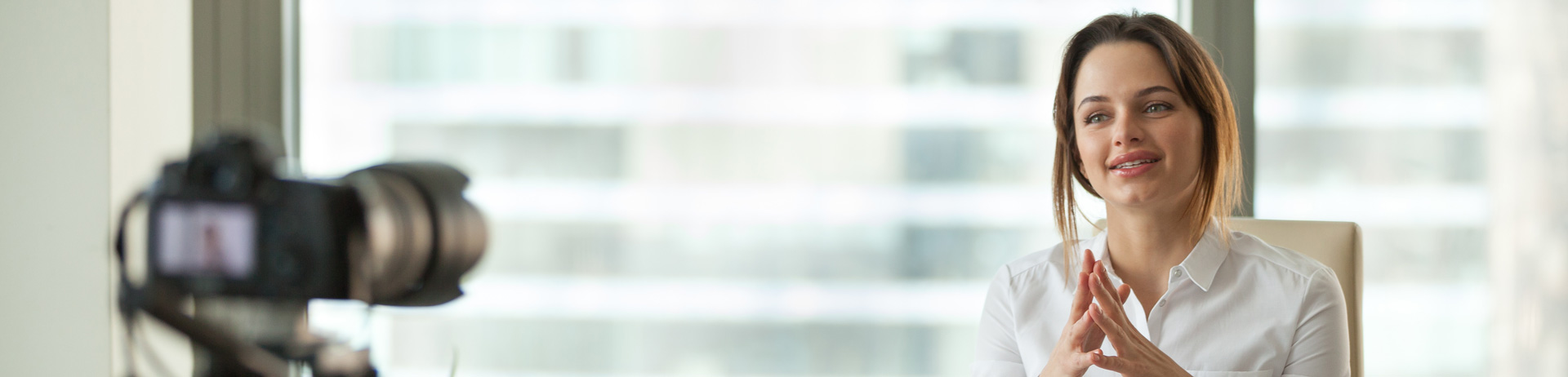
In order to capture great quality video for editing, I've compiled a list of the best camera settings I use to get the best picture quality.
DSLR CAMERA SETTINGS
• Use a stand or a tripod for stabilization.
• Shoot at 1920x1080p resolution.
• Shoot 30fps (frames per second).
• Turn auto white balance OFF.
• Use low ISO range (100-800).
• Use aperture from 2.8 (soft) to 8 (very sharp).
• Set mic volume manually to levels -18db to -6db.
• Set shutter speed to 60.
• Set color profile to neutral or flat or log.
• Record in MOV or Prores 422/HQ format.
• Use diffused lights or large windows in front of you.
ZOOM SETTINGS
• Turn OFF your webcam's auto white balance, auto focus, anything with 'auto' in it.
• Use 16:9 widescreen.
• Enable HD.
• Check 'mirror my video' on.
• Use a clip on lav mic or headset mic.
• Mute guests.
• Optional ‘face retouch’ on or off. It blurs skin imperfections.
VIDEO TERMINOLOGY
• Video timestamps are so, 50s = 50 seconds, 1:50 = 1 minute and 50 seconds, 1:50:25 = 1 hour, 50 minutes and 25 seconds.
• For talking headshots frame mid-waist up with little headroom.
• Use two soft lights on each side, or one to the right and the other to the left behind you as a rim light.
• Use a lav mic for clean audio, you can get a good inexpensive one.
• Use a clean neutral background, no clutter, turn background ambient lights ON.
• Don't move around too much when speaking.
• Use notes for reference in front of you.
• If you fumble, pick up where you left off. Don't start all over again. I can cut it out.
• Don't worry about getting it perfect, that's what I’m here for.
• Use your branded items in your background.